Lord of Warcraft
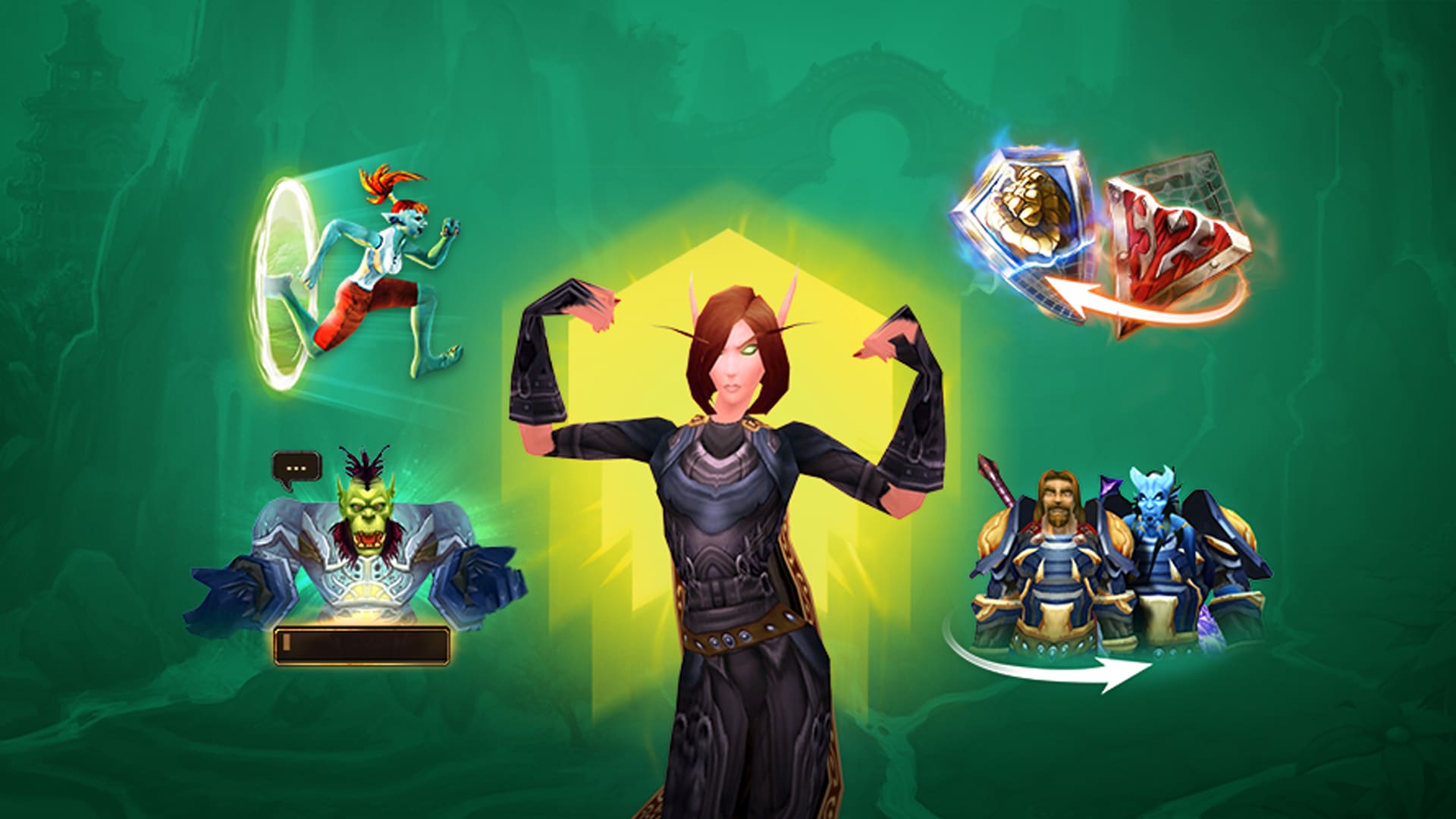
BEGIN YOUR EPIC JOURNEY
Join thousands of players in the ultimate World of Warcraft experience. Create your account today and embark on legendary adventures.
SERVER ROADMAP
Follow our journey as we continue to evolve and enhance your gaming experience
Server Launch
Initial server launch with core features and basic content. Foundation for the community.
Raid Content
Implementation of raid dungeons and boss encounters. Enhanced PvE experience for players.
PvP Arena System
Competitive PvP arena system with rankings and rewards. Battle for glory and recognition.
Custom Events
Regular server-wide events and special activities. Unique experiences for all players.
Guild Features
Enhanced guild system with advanced features and guild wars. Strengthen your community.
Expansion Content
New expansion content and additional zones. Explore new adventures and challenges.
SERVER FEATURES
Discover the unique features that make our World of Warcraft server the ultimate gaming experience
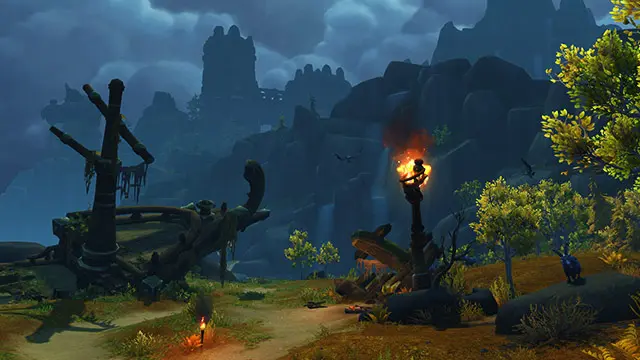
Embark on Epic Adventures
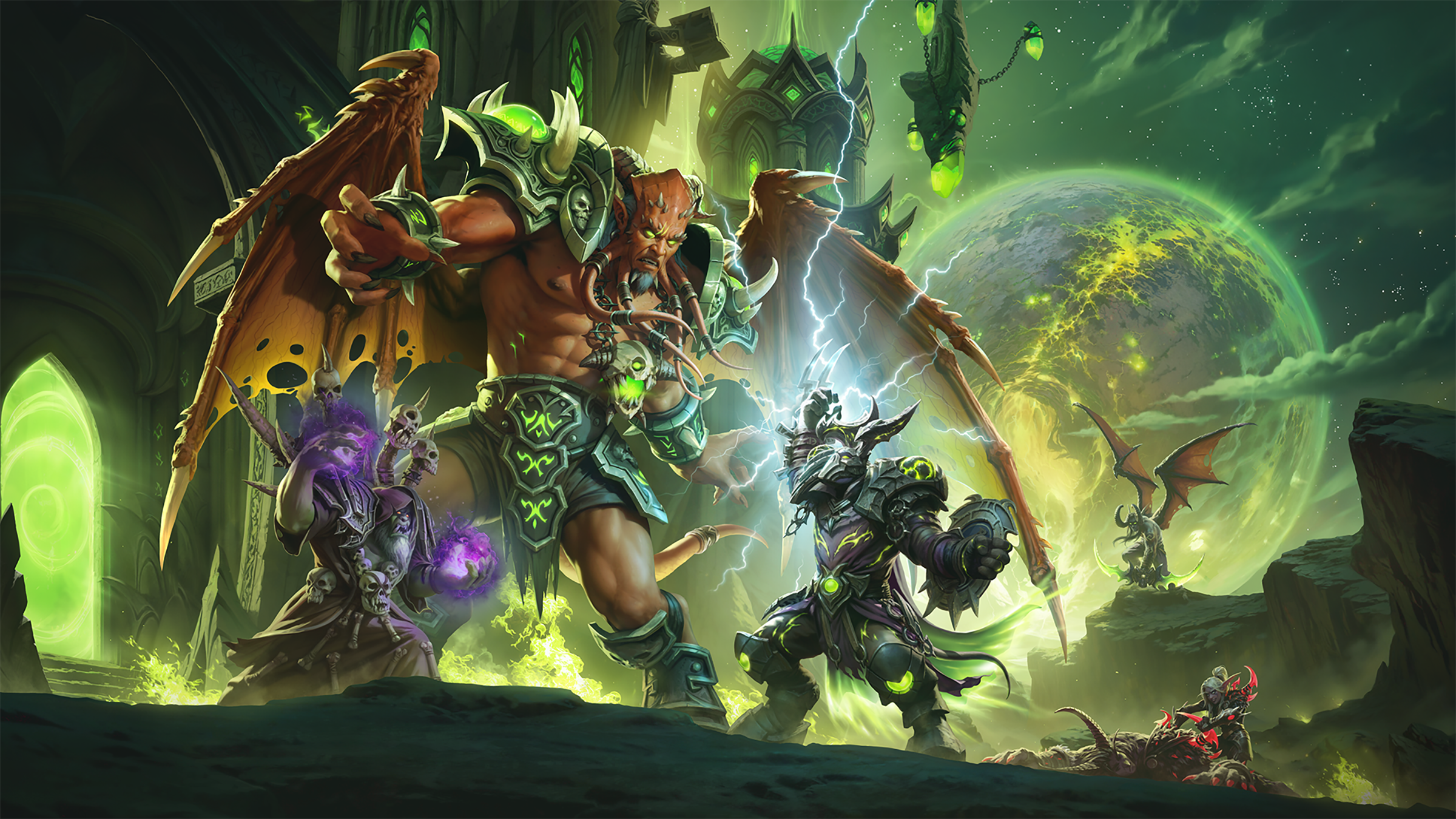
Explore Dungeon and Raids from Classic Vanilla to Wotlk and for Pvp Players 1VS1 Arena system
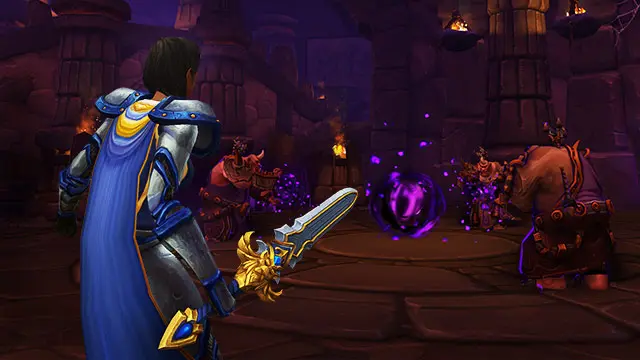
Learn as you Play
Master new skills and abilities through our in-depth tutorials and guides.
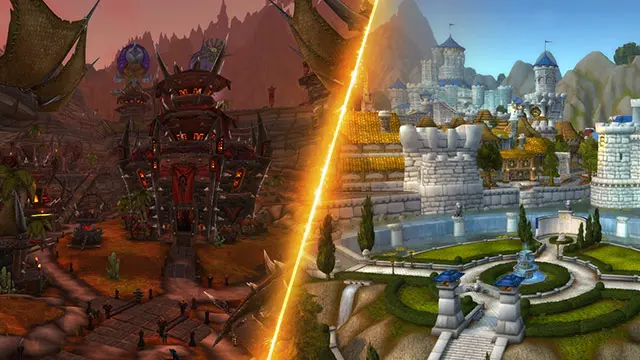
World City PvP
Experience strategic PvP in our world cities with a focus on teamwork and strategy.

For Horde Players
Enjoy a balanced PvP experience with a focus on Horde vs Horde combat.
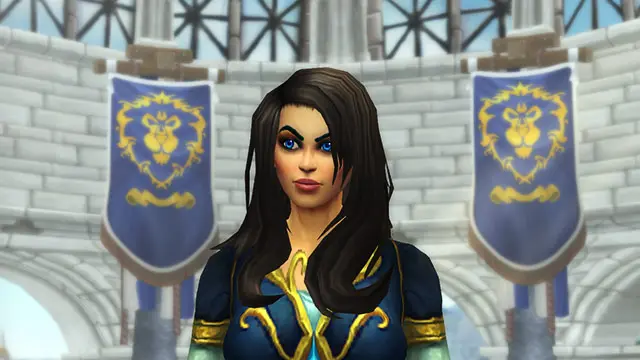
For Alliance Players
Enjoy a balanced PvP experience with a focus on Alliance vs Alliance combat.
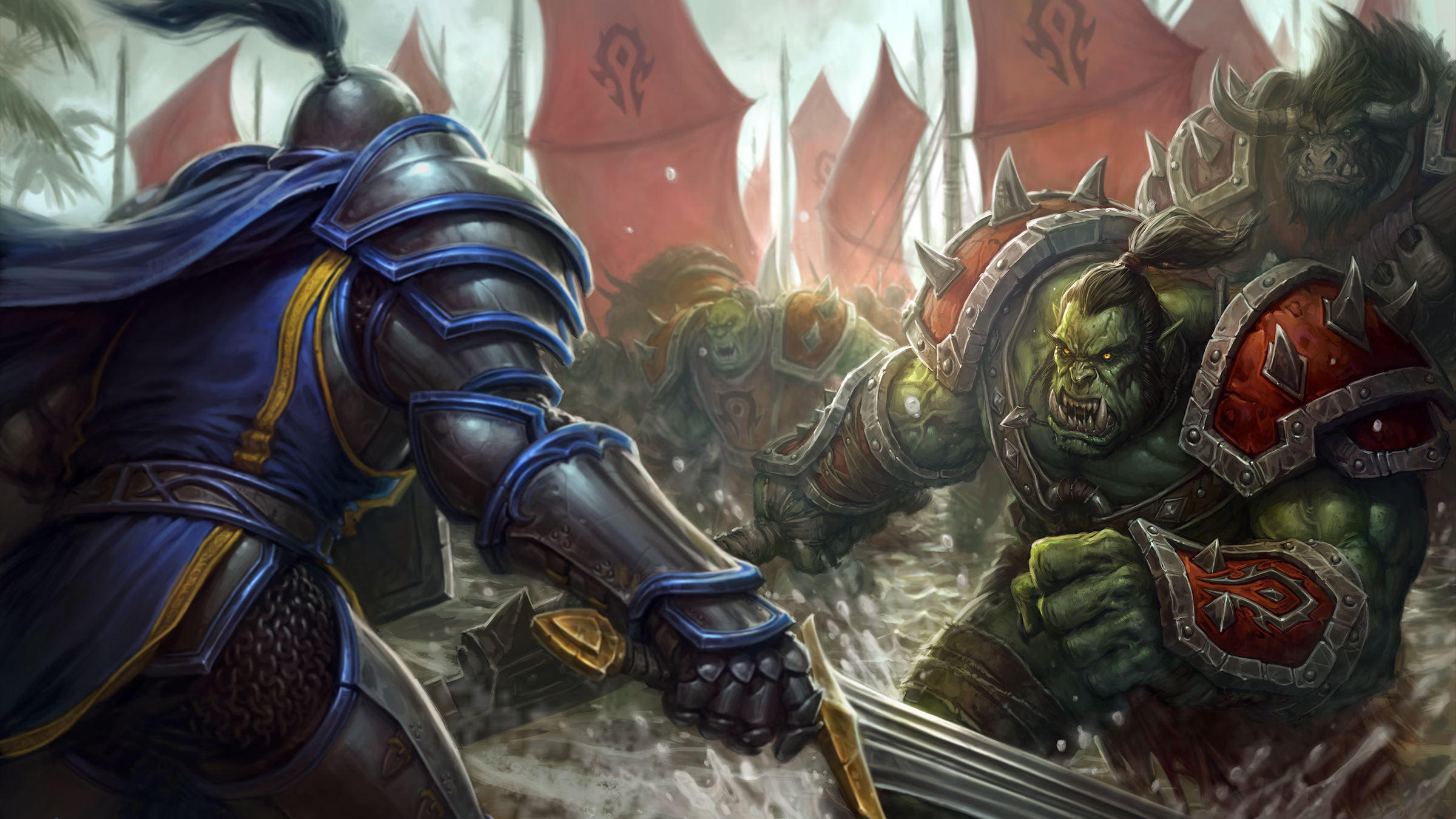
Guild System
Join or create guilds with enhanced features, shared resources, and exclusive guild content.
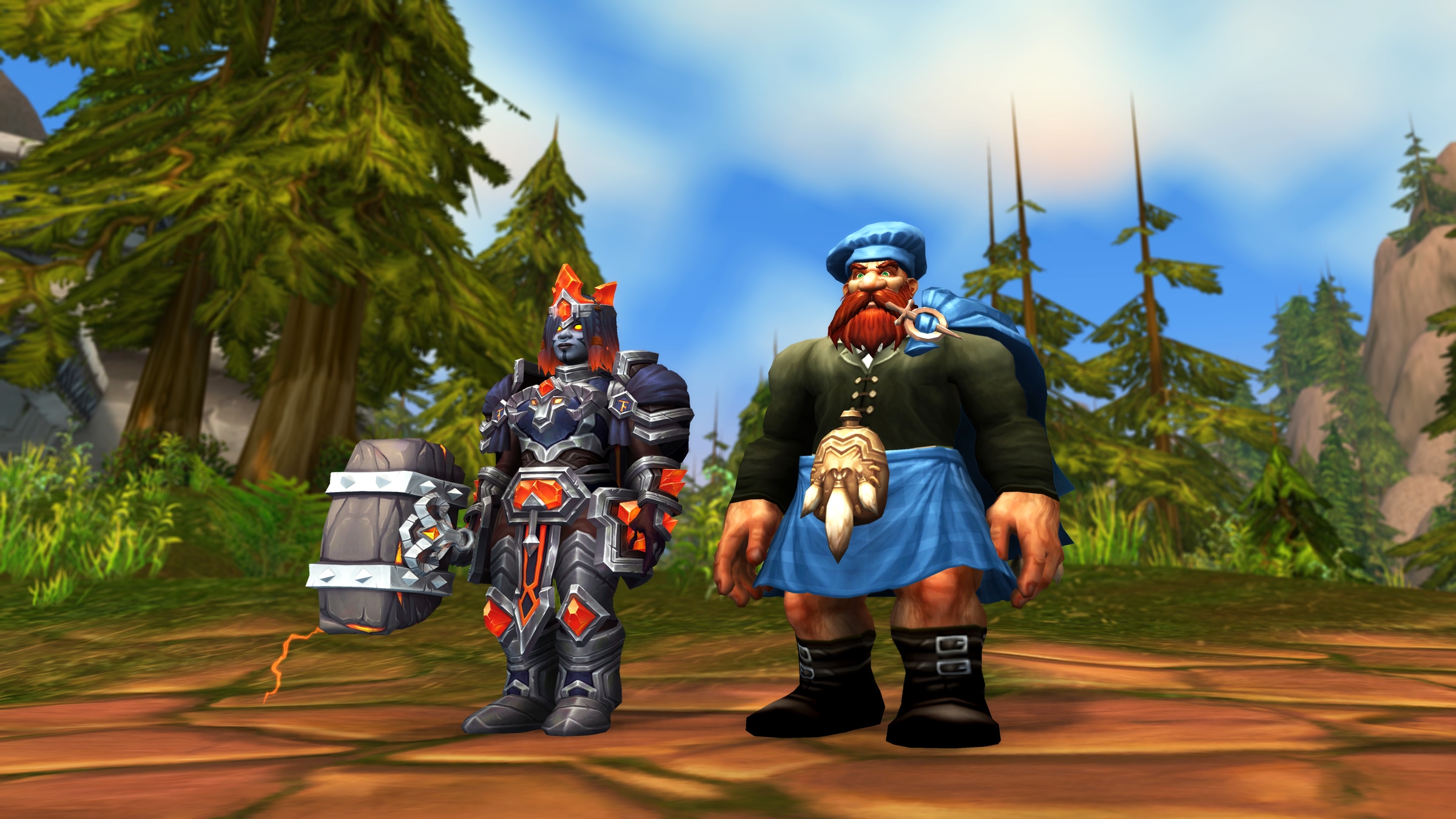
Quality of Life
Enjoy improved gameplay with faster leveling, better loot rates, and convenient features.
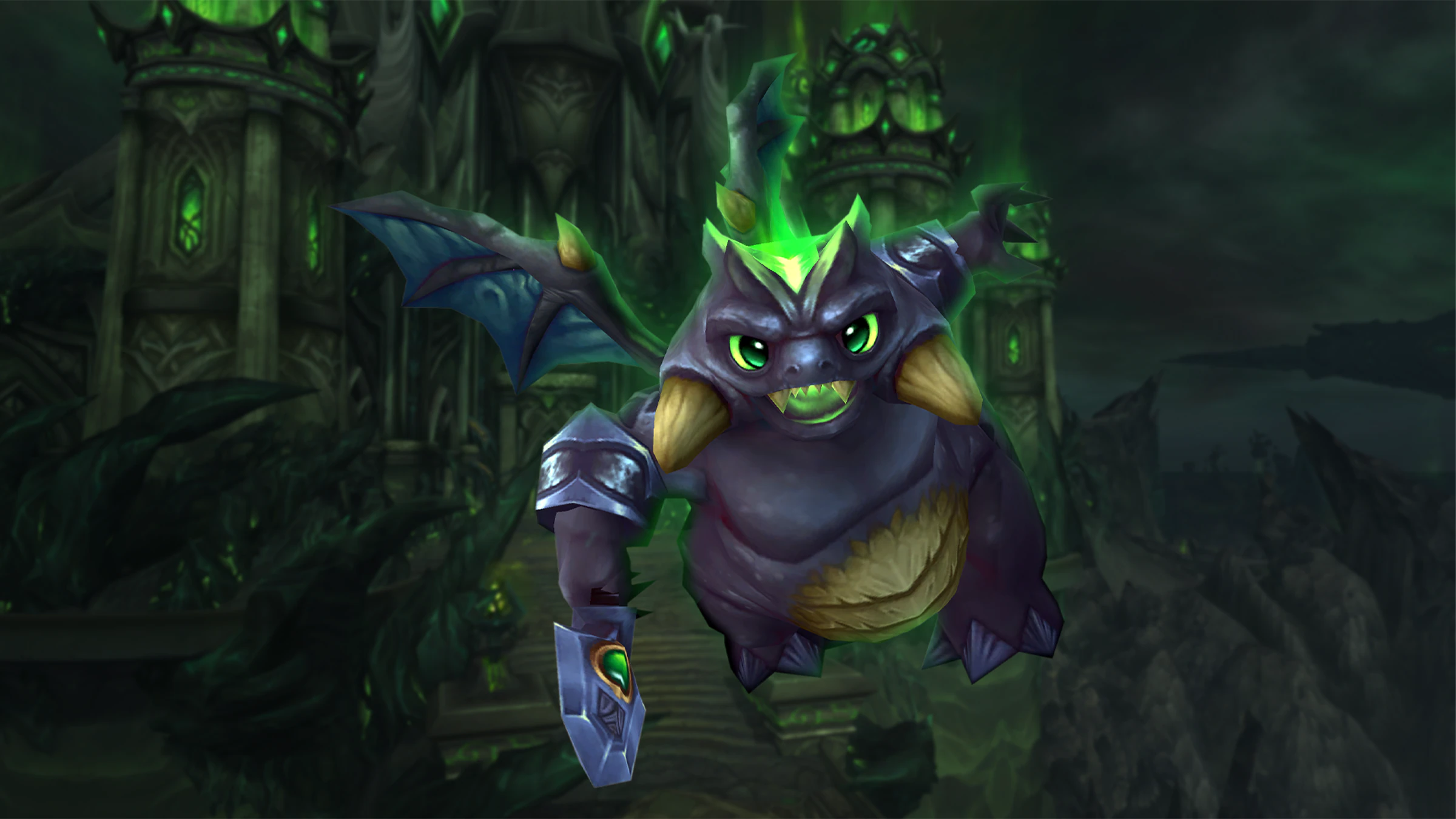
Community Support
Get help from our active community and dedicated staff team for the best gaming experience.
HOW TO GET STARTED
Follow these simple steps to join our World of Warcraft server and begin your epic adventure
Register an Account
To begin, please register an account on our website. Once registered, navigate to the dashboard to create your preferred in-game account and password for login. Users may create a limited number of in-game accounts linked to their website account, subject to specified restrictions.
Kindly ensure to activate your website account by verifying it through the confirmation email sent to your registered email address.
Download World of Warcraft 3.3.5a
To access the game, it is necessary to have the World of Warcraft client version 3.3.5a installed. Visit our downloads section to browse and download the client or patches.
Configure Realmlist
Set realmlist to logon.lofw.de in WTF/Config.wtf
Start Playing
Start the game by Wow.exe and enter your game account credentials created in the dashboard.
Have any questions, contact us at [email protected]or navigate to theFAQfor more information.